
⋮
How to Add New Member in Chat

Tawk.to a Centric Agent chat app, which means each agent has their own account and you can share the Properties. For example, if you add a friend to one of your Property, they will be able to see visitors on your website, and answer chats from them. It's easy to Invite New Agents or Manage Agents. Just Follow These Steps:
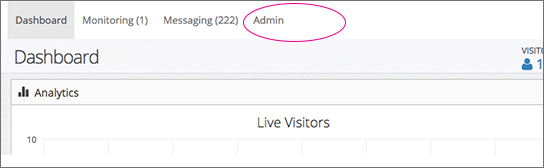
- Go to Admin on Top of Dashboard.
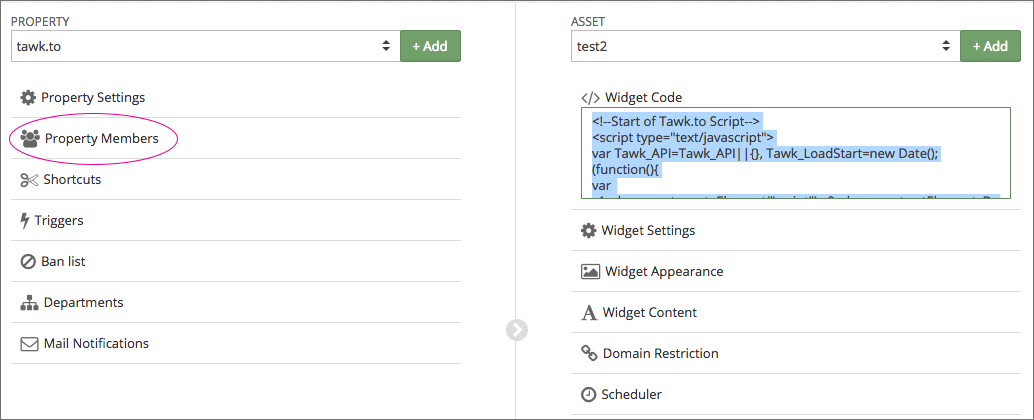
- Click on Members or Property Members Property in the left column
- Click on Invite Members at the top right. Follow the steps to invite your team members to Properties.
Note :
You can Modify Agent status as Enabled or Disabled and designate their role as either Admin or Agent.
Agents will receive an email and must confirm an invitation for them to join and manage a chat from a website or page.
Agents will receive an email and must confirm an invitation for them to join and manage a chat from a website or page.
💙❤ 342 • 12 rb lainnya
28 komentar • 12 dibagikan